![Agentic AI for Data Analysis: What It Is & When to Use It [2026]](/_next/image?url=%2Fimages%2Fblog%2Fagentic-ai-for-data-analysis.png&w=3840&q=75)
Agentic AI for Data Analysis: What It Is & When to Use It [2026]
What is agentic AI for data analysis? Learn how autonomous AI agents analyze data end-to-end, the best agentic AI tools, and when agentic AI beats traditional AI assistants.
The fastest AI for data analysis — upload your CSV, Excel, or JSON file and get instant insights, trends, and patterns. No coding required.
Try with sample data
Click to upload or drag and drop
Drop your CSV, Excel, or JSON file
Max 10MB
Supported: CSV, Excel (.xlsx), JSON, TSV · Powered by cutting-edge AI

Use AI for data analysis in three simple steps — no coding or data science experience needed.
Drag and drop your CSV, Excel, or JSON file. We support datasets up to 50,000 rows with automatic structure detection.
Type your question in plain English. Ask about trends, comparisons, statistics, or anything you want to know about your data.
Receive instant, actionable insights powered by advanced AI. Get statistical analysis, trend detection, and follow-up suggestions.
Everything you need to analyze data with AI — from natural language queries to auto-generated charts and statistical insights.

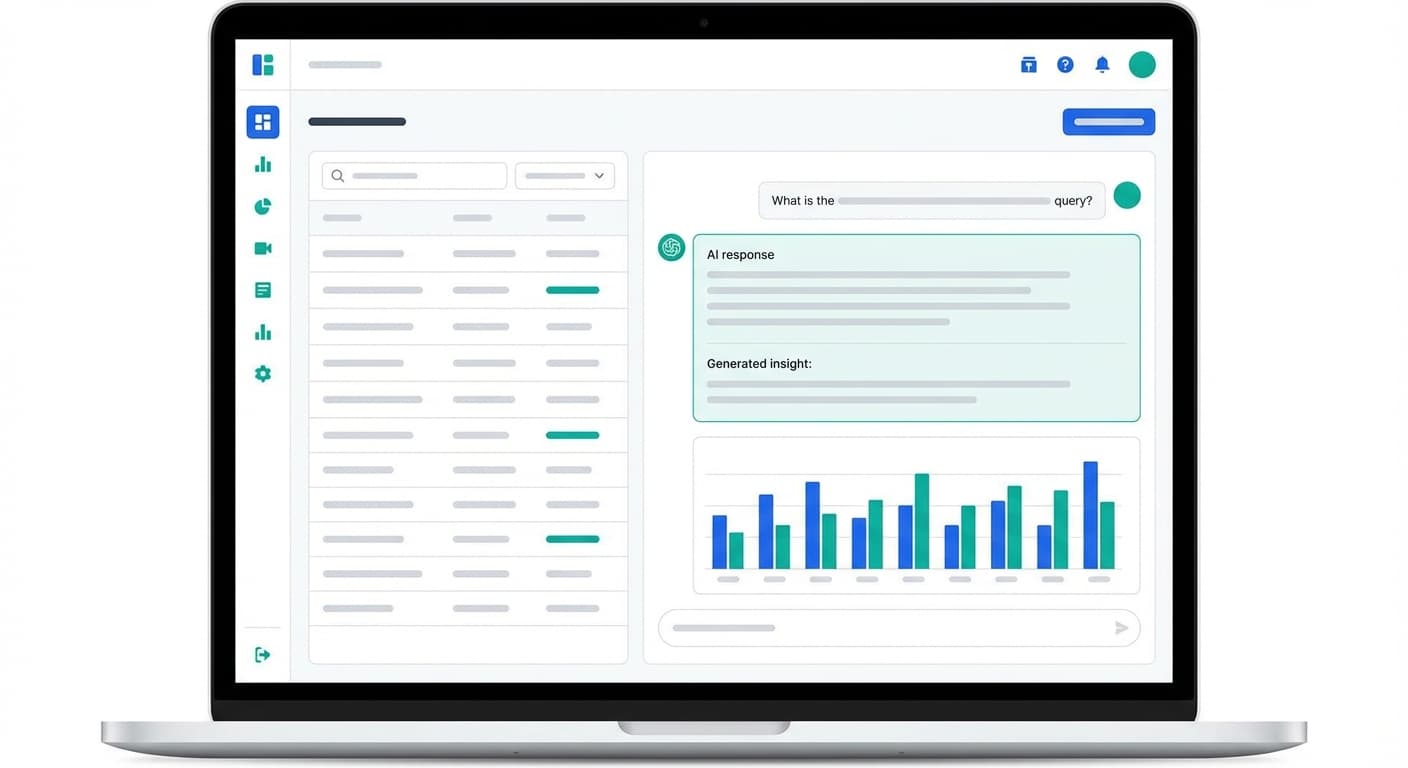
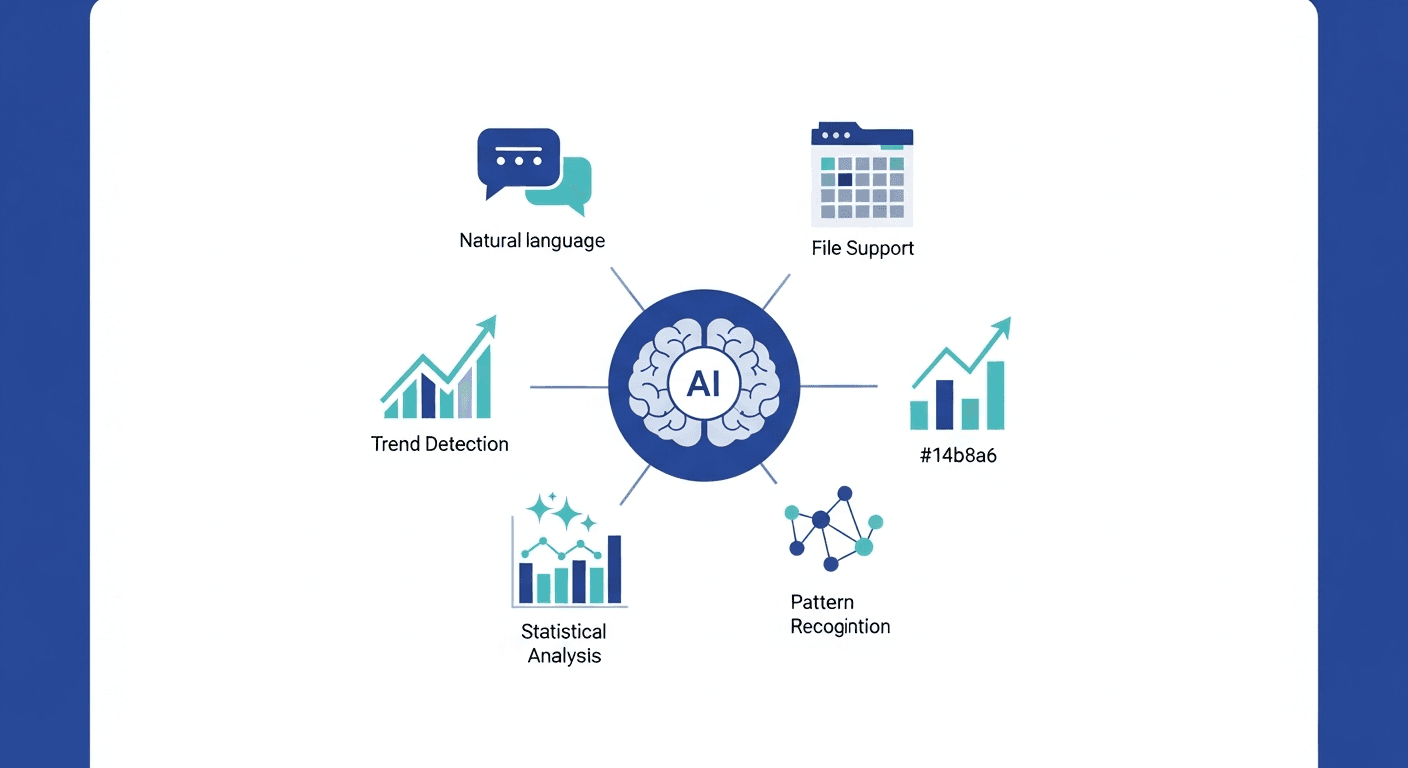
Ask questions about your data in plain English — no SQL, no formulas, no data science degree required. Just describe what you want to know and the AI does the rest.
Upload CSV, Excel, JSON, and TSV files. We automatically detect structure and data types, whether you're analyzing a 10-row sample or a 50,000-row dataset.
AI automatically identifies trends, seasonality, and patterns across time-series data — across weekly, monthly, or annual cycles. Spot growth, decline, and cyclical patterns instantly.
Get descriptive statistics, distributions, correlations, and significance tests instantly — including mean, median, standard deviation, and correlation coefficients — without writing a single formula.
Advanced AI uncovers non-obvious relationships and provides actionable recommendations, acting as your on-demand AI data analyst — surfacing the insights you didn't know to ask for.
Detect anomalies, outliers, clusters, and recurring patterns across your entire dataset without any manual filtering. The AI flags what matters so you don't miss it.
See how professionals use AnalyzeData to turn raw data into actionable insights — faster than ever before.
“AnalyzeData cut my weekly reporting from 4 hours to under 20 minutes. I just upload our sales CSV and ask questions — the insights are instant.”
Marketing Manager
E-commerce Company
“As a researcher without a statistics background, AnalyzeData lets me run correlation analyses that used to require hiring a data consultant.”
Academic Researcher
University
“I replaced our expensive BI setup with AnalyzeData for exploratory analysis. The AI data analyst capability is genuinely impressive.”
Operations Analyst
SaaS Startup
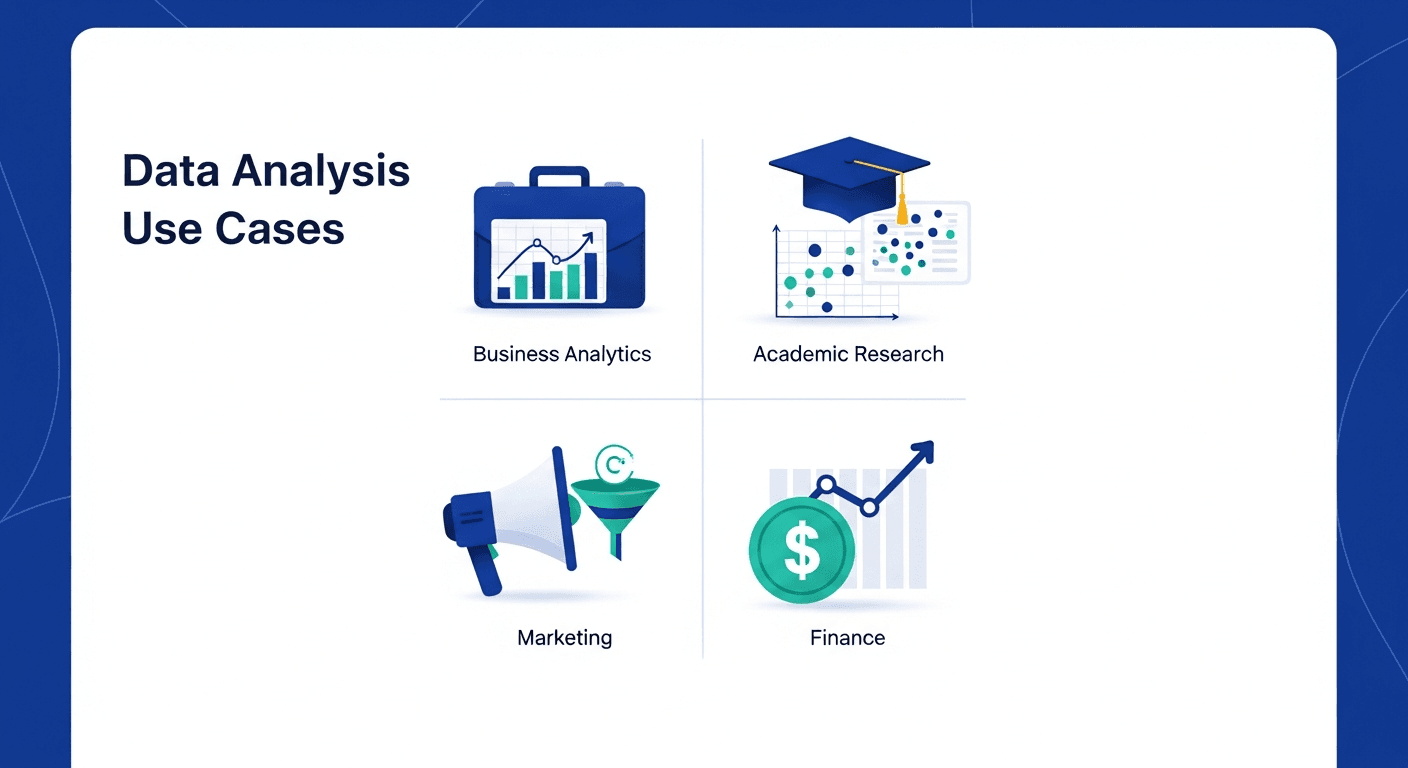
From business intelligence to academic research — anyone can use AI to analyze data and get actionable insights instantly.

Analyze sales data, customer metrics, and operational KPIs to make data-driven business decisions without hiring a data team.
Example question
"What are the top-selling products by region over the last quarter?"
Run statistical analyses on survey data, experimental results, and research datasets. Get significance tests and correlations in seconds.
Example question
"Is there a statistically significant difference between group A and group B?"
Measure campaign performance, identify high-converting channels, and understand customer acquisition trends across your marketing data.
Example question
"Which marketing channel has the highest ROI this year?"
Analyze revenue trends, expense breakdowns, and financial forecasts. Surface anomalies and identify cost-saving opportunities.
Example question
"Show monthly revenue trends and highlight any anomalies in expenses."
See why data professionals are switching to AI tools for data analysis instead of manual methods.
| Feature | Traditional Analysis | ChatGPT | AnalyzeData |
|---|---|---|---|
| Setup Time | Hours to days | None — but manual | Instant — zero setup |
| Coding Required | Python, R, or SQL | No code but prompt-heavy | No coding at all |
| File Upload | Manual tools required | Paste data manually | Native CSV/Excel upload |
| Analysis Speed | Minutes to hours | Minutes | Seconds per question |
| Visualization | Manual chart configuration | Basic charts (Plus only) | AI-generated charts |
| Insights | Manual interpretation | General AI responses | Purpose-built data insights |
Setup Time
Coding Required
File Upload
Analysis Speed
Visualization
Insights
Looking to create charts and graphs? Try our AI Data Visualization tool → — describe what you want and AI generates interactive charts instantly.
Prefer a persistent chat interface? Open Dashboard → — upload once and ask unlimited follow-up questions in a chat-based session.
Everything you need to know about using AnalyzeData.
AI data analysis uses artificial intelligence and machine learning to automatically examine datasets, identify patterns, uncover trends, and generate insights. Unlike traditional analysis that requires coding skills, AI data analysis tools like AnalyzeData let you upload your data and ask questions in plain English to get instant, actionable results.
AnalyzeData supports CSV, Excel (.xlsx), JSON, and TSV file formats. Simply upload your file and our AI will automatically detect the structure and begin analysis. Maximum file size is 10MB with support for up to 50,000 rows.
When you upload your data and ask a question, AnalyzeData sends your data to a cutting-edge AI model that uses code execution with pandas and statistical libraries to analyze your dataset. The AI generates insights, identifies patterns, calculates key metrics, and provides follow-up suggestions — all in seconds.
No coding skills are required. AnalyzeData is designed for everyone — from business professionals to researchers. Simply upload your data file and describe what you want to know in plain English. The AI handles all the technical analysis behind the scenes.
AnalyzeData can perform statistical analysis, trend detection, correlation analysis, outlier identification, data summarization, category comparison, time-series analysis, and more. The AI automatically determines the best analytical approach based on your data and question.
Your data security is our priority. Files are parsed client-side in your browser, and only the necessary data schema and sample rows are sent to our AI engine for analysis. We do not store your uploaded files or analysis results on our servers.
Unlike ChatGPT, AnalyzeData is purpose-built for data analysis. It provides instant file upload support, automatic chart generation, structured metrics dashboards, and specialized data analysis prompts. ChatGPT requires manual data pasting and prompt engineering, while AnalyzeData delivers a streamlined, specialized experience.
The best AI tool for data analysis depends on your needs. AnalyzeData excels at instant, no-signup analysis of CSV and Excel files with AI-powered insights and auto-generated visualizations. For enterprise needs, tools like ThoughtSpot or Tableau with AI features may be more suitable. For a comparison of top AI data analysis tools, check our comprehensive guide.
Upload your Excel (.xlsx) file directly to AnalyzeData and start asking questions in plain English. The AI automatically reads all worksheets, detects column types, and begins analysis immediately — no need to export to CSV first. Ask anything: "What are the top-performing product categories?" or "Show me month-over-month revenue trends." Results appear in seconds with auto-generated charts and statistical summaries.
An AI data analyst is an artificial intelligence system that performs the work of a human data analyst — reading datasets, identifying trends, running statistical tests, generating visualizations, and surfacing actionable insights — in seconds rather than hours. AnalyzeData functions as your on-demand AI data analyst: upload any CSV or Excel dataset and ask questions in plain English to receive instant, accurate analysis without hiring a dedicated analyst.
Yes. AnalyzeData's AI engine automatically scans your dataset for trends, seasonality, outliers, and correlations — even when you don't ask for them explicitly. Ask "What are the key trends in this data?" and the AI identifies meaningful patterns across time-series, categorical, and numerical columns. It also flags anomalies and highlights non-obvious relationships that manual analysis might miss.
Expert guides on data analysis and visualization.
![Agentic AI for Data Analysis: What It Is & When to Use It [2026]](/_next/image?url=%2Fimages%2Fblog%2Fagentic-ai-for-data-analysis.png&w=3840&q=75)
What is agentic AI for data analysis? Learn how autonomous AI agents analyze data end-to-end, the best agentic AI tools, and when agentic AI beats traditional AI assistants.

The fastest way to analyze Excel data with AI — no coding, no complex formulas. Upload your .xlsx file and get instant insights, trends, and charts using AI.

The best AI for analyzing data in 2026, tested and compared. Find the right AI data analyzer for your needs — from free tools to enterprise platforms.
Upload your CSV or Excel file and get instant AI-powered insights.
Analyze Now