Best SEO Reporting Software & Tools in 2026, Compared
The best SEO reporting tools compared honestly: AgencyAnalytics, Swydo, Whatagraph, DashThis, Databox, Looker Studio, Semrush, Ahrefs, and AnalyzeData — real July 2026 pricing, strengths, and who each one fits.
Ashesh Dhakal
Published July 18, 2026 · Updated August 18, 2026
Every list of SEO reporting tools is written by someone selling one of them. So is this one — AnalyzeData is our product, and it appears with the same scrutiny applied to everyone else, its limitations included. What we can promise is a useful frame: the tools below solve different bottlenecks, and picking by bottleneck beats picking by feature count or by whichever brand ranks first for the search you just ran.
How to actually choose
Monthly SEO reporting has three separate costs, and no single tool is best at all three:
- Pulling the data — connecting Search Console, GA4, ad platforms, rank trackers, and call-tracking into one place, on a schedule, without babysitting broken connectors.
- Making sense of it — turning a wall of metrics into "here is what changed and why," which is still mostly human work in almost every tool on this list.
- Producing the deliverable — formatting, branding, and writing the one-paragraph summary the client actually reads before forwarding it to their boss.
Every tool below is strong on one of these, adequate on another, and weak on the third. The dashboard suites are optimized for cost #1. The all-in-one SEO platforms bundle reporting onto their data. Almost none of them touch cost #2 — the interpretation — which is why so many agencies still copy numbers into a slide deck by hand every month. Identify which cost eats your hours, then buy the tool that kills that specific cost.
How we evaluated these tools
This is a documentation-and-pricing comparison, not a hands-on lab test. For each tool we read the vendor's current pricing and feature pages in July 2026 and compared what they publicly claim to do — plan structure, per-client or per-source cost, white-label availability, and whether an analysis or AI-summary layer is included. We did not re-run every product for this article, so where we flag a weakness, it is grounded in the pricing model or a documented feature gap, not a stopwatch.
Two things to keep in mind while reading. First, SaaS pricing changes constantly — treat every dollar and euro figure here as "as of July 2026" and confirm on the live page before you buy. Second, the cheapest sticker price is rarely the cheapest tool. A per-client or per-data-source model that looks friendly at one client can quadruple at ten, so we note the pricing shape, not just the entry number.
The tools, one bottleneck at a time
1. AgencyAnalytics — the connector workhorse
Best for: agencies with many clients and many data sources that need automated data pulling at scale, with white-label baked in.
The category incumbent, built around 85+ integrations, per-client dashboards, and scheduled white-label reports. Its AI insights and anomaly detection auto-surface what moved, which is genuinely useful triage. As of July 2026 the pricing is a single pay-as-you-go plan: AgencyAnalytics charges $20 per client per month (billed annually), with white-label branding, unlimited reports, and unlimited users included.
The watch-outs follow directly from that model. Cost scales linearly with your roster — 30 clients is $600/month before add-ons — and rank tracking is not included: it's a separate add-on at $41.67/month per 500 keywords, as is AI brand-monitoring credits. It assembles and monitors numbers extremely well; deciding what they mean for each client is still your afternoon.
2. Swydo — the structured-report specialist
Best for: agencies that think of reports as documents, not dashboards, and want reusable templates that cascade.
Swydo's section-based report builder and reusable templates are built for standardized monthly reporting across many clients — edit a template, and linked reports follow. As of July 2026, Swydo's single plan starts at €69/month (€62 billed annually) and includes unlimited users, dashboards, and reports plus 10 data sources; AI-powered report summaries and full white-labeling are included.
The catch is the pricing shape: beyond the first 10 data sources you pay per source (€4.50 each for sources 11–100, dropping at volume). For an agency where every client brings Search Console plus GA4 plus an ad account, the source count — and the bill — climbs faster than the flat headline suggests. And like the dashboard tools, it lays out the numbers you configure; it doesn't interpret them.
3. Whatagraph — the visual heavyweight
Best for: larger agencies with real budget that want polished cross-channel visuals and a governed data layer.
Strong visual output, cross-source blending, and linked templates that cascade edits across clients. The honest gatekeeper is price: as of July 2026, Whatagraph's Max plan starts at €699/month billed annually (50+ source credits, unlimited users), with the higher Prime tier on custom quotes. That entry point puts it firmly out of reach for freelancers and small shops. If budget is genuinely not the constraint and you're producing high volumes of visual, multi-channel reports, it earns a look — but you are paying enterprise money for data assembly and presentation, not analysis.
4. DashThis — the simple middle
Best for: small-to-mid agencies that want preset dashboards with minimal setup and don't need white-label at the entry price.
DashThis trades flexibility for speed: preset widgets, fast setup, and basic AI Insights (Summary, Wins, Issues, Opportunities) on every plan. As of July 2026, DashThis pricing runs from $44/month (Individual: 3 dashboards, 15 sources) up through Professional ($139), Business ($279), and Standard ($429). The two things to watch: white-label is not on the entry plan — it starts at Professional — and pricing steps up by dashboard count, so as you add clients you jump price tiers in chunks rather than paying smoothly per client.
5. Databox — the metric-monitoring dashboard
Best for: teams that want always-on performance dashboards and a conversational AI to query them, with a real free tier to start.
Databox leans toward live metric monitoring rather than polished client PDFs, and it's the one tool here with a genuinely usable free plan ($0: 3 data sources, 1 dashboard) — handy for a solo consultant with one or two clients. Its Genie AI analyst lets you ask about performance in plain language. As of July 2026, Databox's paid plans run Analyst at $64/month, Pro at $159, and Growth at $399 (billed annually). The watch-outs: data sources are capped or metered on the lower plans, and white-labeling only appears on the Custom (contact-sales) tier, so client-facing agency use pushes you up the ladder quickly.
6. Looker Studio — free, with your time as the price
Best for: technical marketers who enjoy building — and maintaining — their own reports and live mostly in the Google ecosystem.
Free, powerful, and natively connected to everything Google (Search Console, GA4, Google Ads, Sheets). The costs are time and fragility: the blank-canvas editor means every report is a small design project, most non-Google connectors are paid third-party add-ons, and reports break quietly when a source schema changes. Looker Studio is free the way a puppy is free — the sticker price is zero, the ongoing time cost is not. For a marketer who wants full control and has the hours, it's unbeatable value; for an agency billing those hours, "free" is the most expensive option on this list.
7. Semrush reporting — the suite add-on
Best for: teams already inside Semrush who want to package its rank, audit, and visibility data into a branded report without leaving the platform.
Semrush isn't a reporting tool first — it's an SEO suite whose My Reports feature turns its own data into scheduled, branded PDFs. As of July 2026, Semrush's plans start at roughly $117/month (SEO plan, billed annually), and reporting is a further add-on: a Base Report add-on at about $10/month, or a Pro Report add-on (~$20/month) that adds integrations, white-labeling, and AI-generated summaries. The value is real only if you're already paying for the suite for its rank tracking and audits — buying Semrush purely to produce reports would be paying for a data platform to use its export feature. Ahrefs sits in the same category with its Report Builder on every plan and a Looker Studio integration from the Standard tier ($249/month) up, on top of a Lite plan that starts at $129/month as of July 2026.
8. AnalyzeData — the analysis-first option (ours)
Best for: freelancers and small agencies whose bottleneck is the analysis and the write-up, not the connector count.
Full disclosure: this is our product. AnalyzeData starts where the dashboard tools stop. It reads a Search Console or GA4 export you upload — or connects to Search Console and GA4 directly via OAuth (currently in beta) — then runs real Python over the full file and produces the finished deliverable: headline KPIs with period comparisons, publication-styled charts, and a written summary drafted from the computed results. Every number and chart carries a "How was this computed?" receipt that shows the exact code that produced it, so the report survives a client asking "where did that figure come from?" Output is an unindexed live share link plus a print-perfect PDF, and it's built on the same 7 report templates and free browser tools the rest of the site runs on.
Pricing: free during the current launch — every feature included, no signup, no credit card. Paid plans come later, and we're not going to quote numbers we haven't set.
Now the honest limitations, because this is a comparison, not an ad. AnalyzeData is not a connector suite: the only integrations are Search Console and GA4 — there's no Ahrefs, Semrush, ad-platform, social, or CRM connector, no rank tracking, no site crawl, and no backlink data. Reports can be emailed on a monthly schedule and carry your logo and brand color, but there are no team seats yet and no custom-domain white-labeling. If your reporting pain is wiring up 40 data sources, buy AgencyAnalytics or Whatagraph. If your pain is the hours between a Search Console export and a sent, defensible report, see how the SEO reporting workflow works or open the live SEO report template.
Side-by-side
Pricing is as of July 2026, billed annually where a discount applies, in the vendor's listed currency. "Analysis layer" means the tool interprets the numbers and drafts the narrative, not just charts them.
| Tool | From (per month) | Pricing shape | White-label | Analysis / written summary | Best when your bottleneck is |
|---|---|---|---|---|---|
| AgencyAnalytics | $20 / client | Per client | Included | AI insights, no narrative | Many clients, many sources |
| Swydo | €69 (+ per source) | Per data source | Included | AI summaries | Standardized document reports |
| Whatagraph | €699 | Per source credits | Max/Prime | No | High-volume visual reporting |
| DashThis | $44 | Per dashboard count | From $139 tier | Basic AI insights | Fast preset dashboards |
| Databox | $0 free / $64 | Per source, metered | Custom tier only | Genie AI Q&A | Live metric monitoring |
| Looker Studio | Free | Free (paid connectors) | DIY | No | Full control, you have time |
| Semrush reports | ~$117 + add-on | Suite + report add-on | Pro Report add-on | AI summaries | You already own the suite |
| AnalyzeData | Free (launch) | Free during launch | Roadmap | Computed + written | Interpreting and writing it up |
Which tool for which size
Solo consultant, one to three clients. Start free. Looker Studio if you're technical and Google-centric; Databox's free plan if you want live dashboards; AnalyzeData if the export-to-report write-up is what's eating your evenings.
Small agency, five to fifteen clients. This is the awkward middle where per-client and per-source pricing starts to bite. Swydo or AgencyAnalytics if data-pulling is the pain; add AnalyzeData alongside whichever you pick to handle the interpretation the dashboard tools leave to you.
Larger agency, twenty-plus clients. AgencyAnalytics' per-client model or Whatagraph's governed data layer earn their keep at volume, and white-label is table stakes at this size. The reporting bill is a real line item — model it at your actual client count, not the headline price.
The bottom line
Count your hours for one reporting cycle and note where they went. If they went to pulling and refreshing data across many sources, buy a connector suite — AgencyAnalytics, Whatagraph, or Swydo. If they went to formatting and layout, a template tool like Swydo or DashThis pays for itself. If they went to staring at the numbers trying to work out what to tell the client, then writing it up — that's the analysis gap, it's the most expensive hour in the cycle, and it's the one we built AnalyzeData to close.
FAQ
What is the best free SEO reporting tool?
Looker Studio and Databox's free plan are the two genuine no-cost options for building your own dashboards, and AnalyzeData is free during its current launch for turning a Search Console or GA4 export into a written, computed report. "Free" always has a time cost — Looker Studio in particular trades money for the hours you'll spend building and maintaining reports.
How much do SEO reporting tools cost in 2026?
As of July 2026, entry pricing ranges from free (Looker Studio, Databox's free tier) to around $20 per client per month (AgencyAnalytics), €69/month plus per-source fees (Swydo), and up to €699/month for Whatagraph's Max plan. The real cost depends on the pricing shape — per client, per data source, or per dashboard — multiplied by your actual client count, so model it at your roster size before committing.
Do SEO reporting tools analyze the data or just display it?
Most display and monitor it. The dashboard and connector suites are excellent at pulling data together and flagging anomalies, but deciding what a change means for a specific client and writing that up is still human work in almost every tool. AI-summary features (Swydo, DashThis, Databox, Semrush Pro Report) draft short blurbs; a genuine computed-and-explained analysis is the narrower category AnalyzeData works in.
What's the best SEO reporting tool for a small agency?
For five to fifteen clients, the tension is per-client and per-source pricing. Swydo and AgencyAnalytics are the common picks when data-pulling is the pain point; pair either with a tool that handles interpretation and the written summary. Whatagraph's entry price generally makes sense only at larger volumes.
Can I white-label SEO reports?
Yes, but it's often gated behind a higher tier. AgencyAnalytics and Swydo include white-label at their base price; DashThis unlocks it from its $139 Professional plan; Databox reserves it for its Custom tier; and Semrush offers it through the Pro Report add-on. Check exactly which tier includes custom domains and logo removal before buying, as of July 2026.
Try the analysis-first option
The fastest way to judge any tool on this list is with your own data. Open the AnalyzeData workspace — free during launch, no signup — drop in a Search Console export, and see a computed, written, client-ready report in minutes. Or start from the live SEO report template and swap in your file when it looks right.
Ashesh Dhakal
Founder & Data Scientist
Ashesh Dhakal is a Data Science student at the University of Manitoba and a full-stack developer specializing in AI-powered applications. He holds a Computer Programming Diploma with Honors. His expertise spans explainable AI, natural language processing, and building production AI platforms.
Related Articles
ChatGPT Data Analysis: When It Works & a Free Alternative
Can ChatGPT analyze data? Yes. See how it handles CSV and Excel files, where verified charts and reports differ, and a free no-signup alternative.
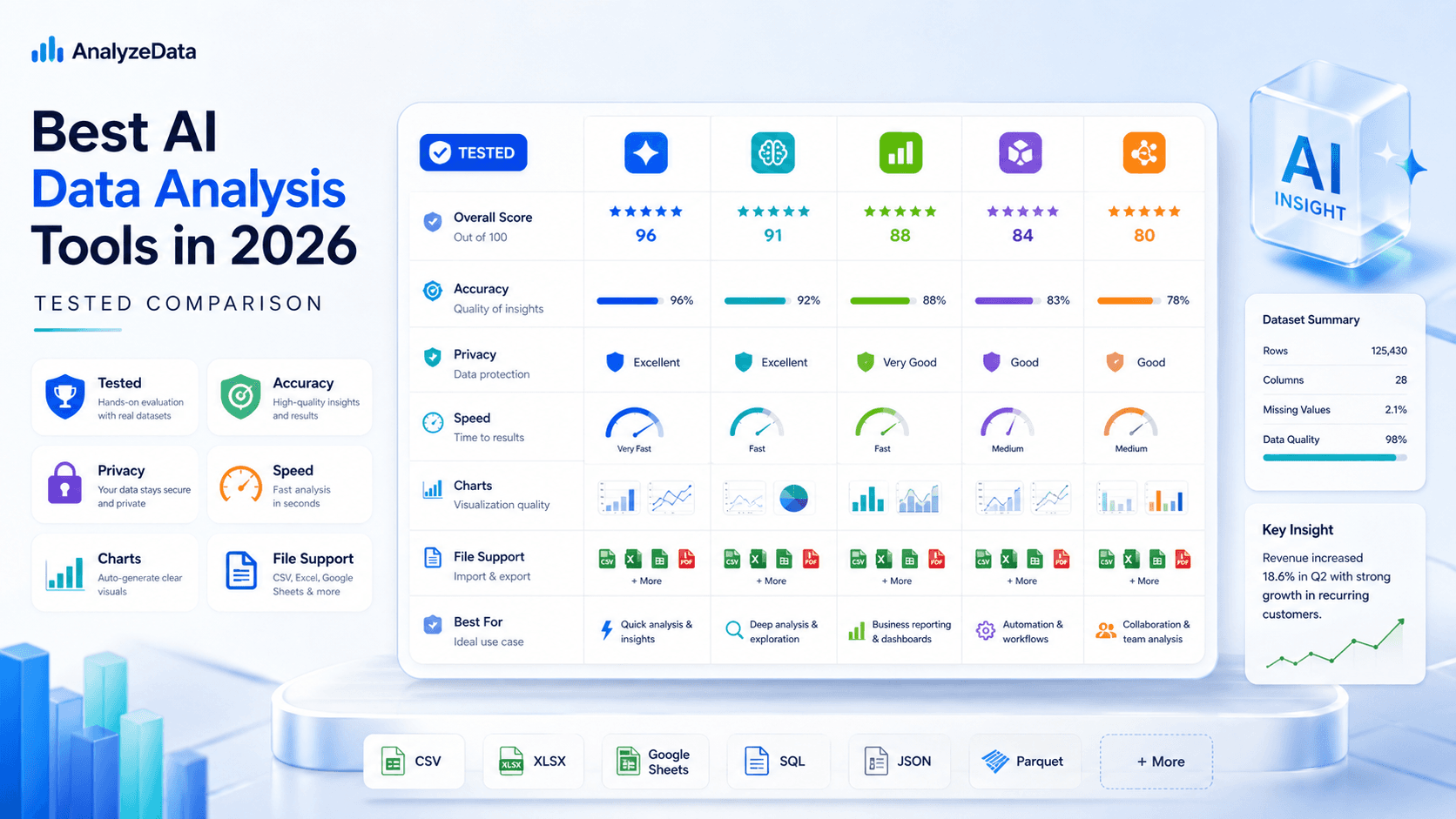
Best AI for Data Analysis (2026): Free Tools Compared
Which AI is best for data analysis? Compare 6 AI data analysis tools on accuracy, privacy, and price — including a free, no-signup analyzer for CSV and Excel.
How to Analyze Survey Data: A Practical Workflow
How to analyze survey data step by step: cleaning, distributions, crosstabs, Likert and NPS, plus an example survey report you can open and copy.