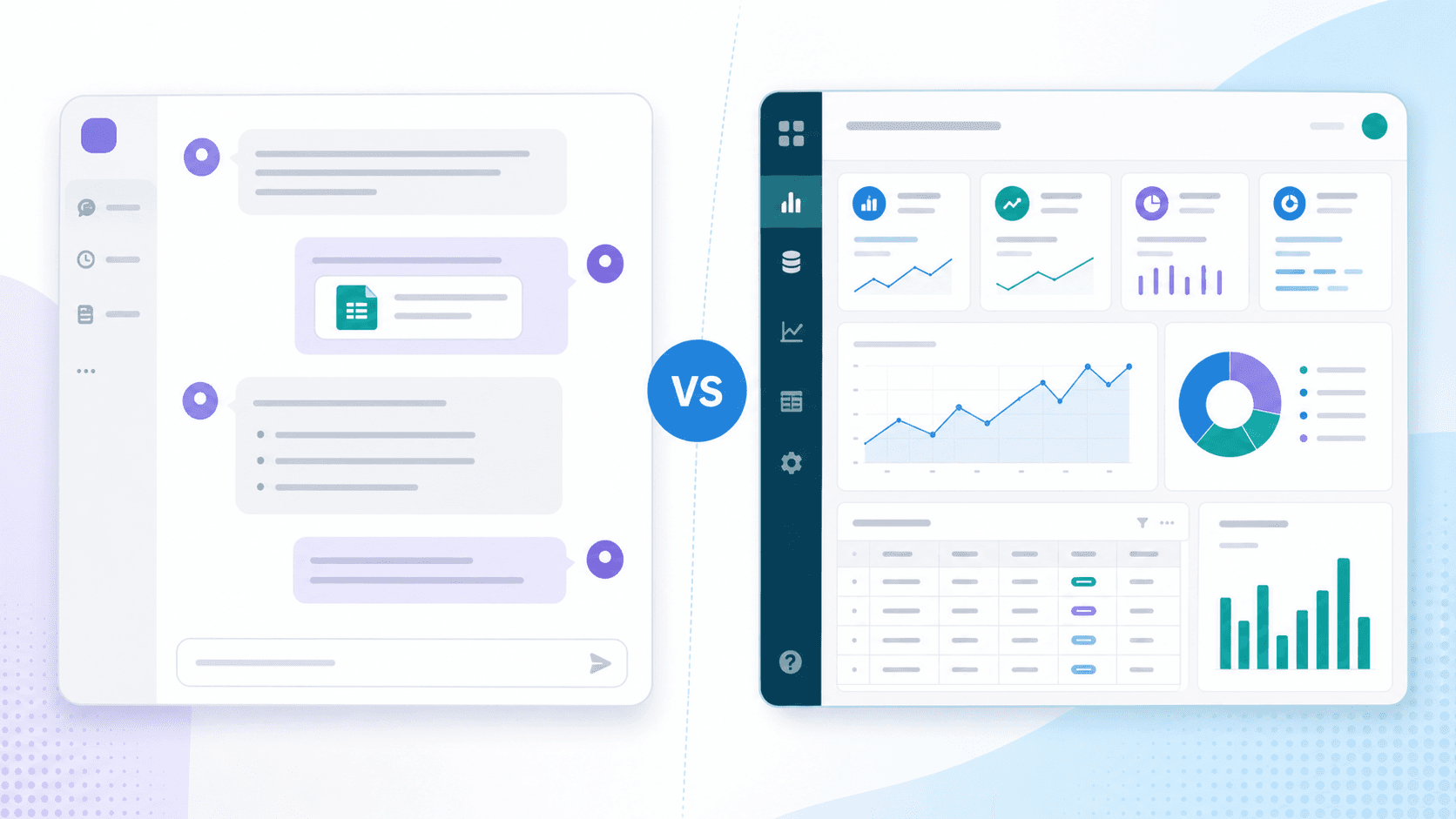
ChatGPT Data Analysis: When It Works & a Free Alternative
Can ChatGPT analyze data? Yes. See how it handles CSV and Excel files, where verified charts and reports differ, and a free no-signup alternative.
Ashesh Dhakal
Published May 14, 2026 · Updated August 10, 2026
ChatGPT made AI data analysis mainstream. It can reason through datasets, write and execute code, explain outputs, and answer follow-up questions. But it is not the only way to analyze a spreadsheet with AI, and it is not always the fastest path from file to answer.
For many users, the real decision is not "Which model is smartest?" It is "Which workflow gets me from file to a verifiable answer with the least setup?" This comparison explains when ChatGPT makes sense and when a purpose-built tool like AnalyzeData's AI data analysis tool is the better fit.
For a broader tool roundup, see our best AI tools for data analysis comparison.
Can ChatGPT Analyze Data?
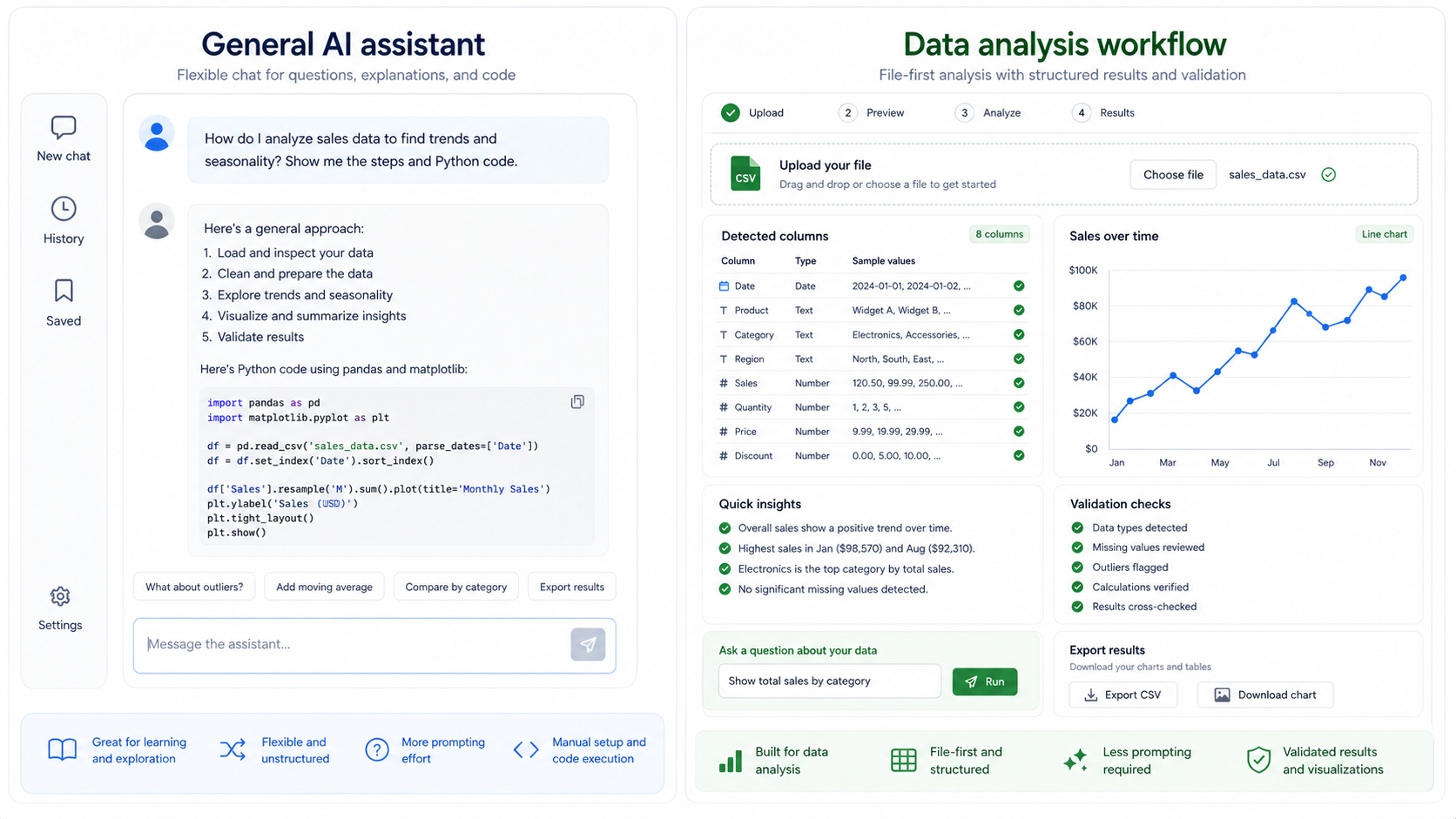
Yes. With file uploads enabled, ChatGPT can take a CSV or Excel file, write Python behind the scenes, execute it, and report the result. That matters: computed answers are far more trustworthy than a language model estimating numbers from text. When people ask "can ChatGPT do data analysis," the honest answer is that it genuinely can.
The practical caveats are about workflow, not capability:
- File upload and code execution availability depend on your plan and settings — check OpenAI's docs for file uploads and data controls.
- Results live inside a chat thread. Turning them into a chart set or a report you can share takes extra steps.
- You direct the analysis yourself: which columns to inspect, which checks to run, which chart to request.
A purpose-built tool starts from the same principle — real executed code, never model guesses — but packages the output differently: automatic column detection, generated charts, and a shareable report where each number links to the code that produced it.
Quick Comparison
| Need | ChatGPT | Purpose-built AI data analysis tool |
|---|---|---|
| Flexible reasoning | Strong | Good, but more scoped |
| Runs real code on your data | Yes, with file upload enabled | Yes — every answer comes from executed Python |
| CSV or Excel upload workflow | Good, varies by plan and interface | Built around upload-first analysis |
| Charts and shareable report | Charts on request, inside the chat thread | Charts plus a report as the default output |
| Structured analysis prompts | User must guide it | Built into the product workflow |
| Privacy clarity | Depends on account, plan, and settings | Depends on tool architecture |
| Beginner speed | Moderate | Faster for simple files |
| Cost to start | Free tier with limits; features vary by plan | Free in open beta, no signup |
| Code generation | Strong | Not the main job |
The short version: ChatGPT is a general AI assistant that can analyze data well. AnalyzeData is an AI data analysis product built specifically for that task, with the chart and report output as the point of the product rather than an extra step.
When ChatGPT Is The Better Choice
ChatGPT is useful when your question is broad, ambiguous, or connected to context outside the dataset. For example:
- "Help me decide which statistical test fits this experiment."
- "Explain this regression output to a non-technical audience."
- "Write Python code to clean this dataset."
- "Brainstorm possible reasons for this trend."
- "Create a repeatable analysis script I can run again next month."
It is also helpful if you want a conversation that moves beyond the file itself. A general assistant can discuss methodology, caveats, next steps, code, and interpretation in a very flexible way.
ChatGPT is especially strong when:
| Situation | Why ChatGPT helps |
|---|---|
| You need code | It can write and explain Python, SQL, formulas, or pseudocode. |
| The question is not only in the file | It can reason about context you describe in conversation. |
| You need methodology help | It can discuss statistical tests, assumptions, and analysis plans. |
| You want teaching | It can explain the result step by step. |
When A ChatGPT Alternative Makes Sense
A purpose-built tool is the better starting point when your workflow starts with a structured file and your goal is a practical, checkable result:
- Upload a CSV or Excel file.
- Get a dataset summary with detected columns and types.
- Ask plain-English questions.
- Get charts generated from the actual computation.
- Continue with focused follow-ups.
- Validate the result against the source file — the code that produced each number is part of the output.
That is the workflow AnalyzeData is built for. It supports CSV, Excel, JSON, and TSV files, parses files in the browser before preparing the analysis request, and keeps the interface centered on data analysis rather than general chat. It is free in open beta, and there is no signup step between you and the first answer.
For users searching "analyze data", "analyze CSV with AI", or "AI spreadsheet analyzer", the task is usually immediate: they have a file and need an answer. A focused tool should reduce setup to near zero.
Decision Matrix: ChatGPT Or Data Analysis Tool?
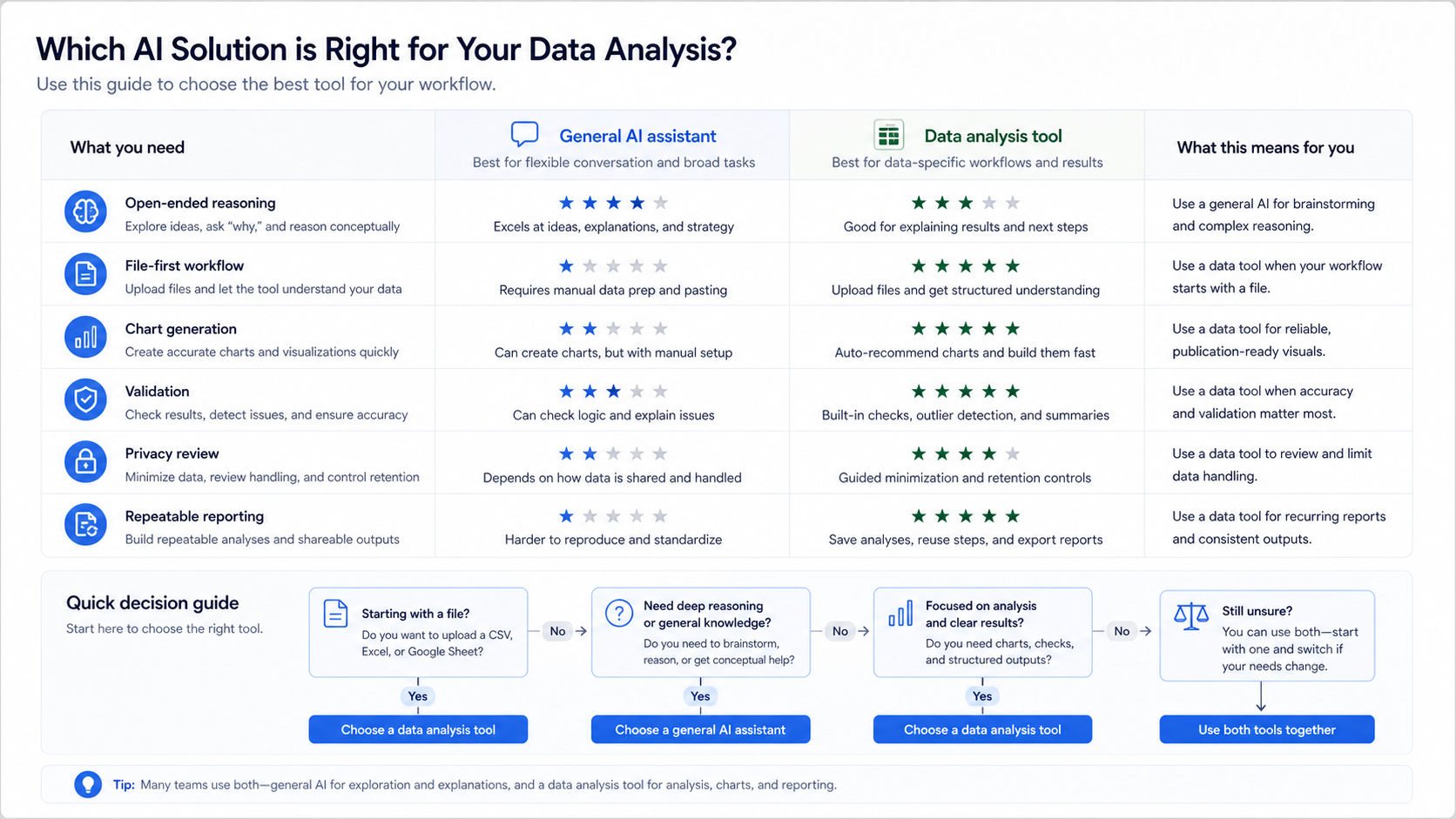
Use this matrix to choose the workflow:
| Your situation | Better starting point | Reason |
|---|---|---|
| You have a clean CSV and need a quick summary | Purpose-built tool | Faster upload-first flow, no account needed |
| You need to write Python or SQL | ChatGPT | Stronger code generation |
| You need charts and a shareable result | Purpose-built tool | Charts and report are the default output |
| You need to discuss methodology | ChatGPT | More flexible reasoning |
| You need to compare tools and privacy | Purpose-built tool plus documentation review | Workflow and data handling matter |
| You need a repeatable enterprise dashboard | BI platform | Governance and scheduled reporting matter |
This is not a permanent choice. You can start in a purpose-built tool to inspect the data, then use ChatGPT to discuss methodology, write a script, or plan a deeper analysis.
Example Workflow: Same Dataset, Different Tools
Imagine a CSV with campaign performance data:
| channel | spend | clicks | conversions | revenue |
|---|---|---|---|---|
| Search | 420 | 910 | 82 | 6200 |
| Social | 310 | 740 | 31 | 2200 |
| 90 | 430 | 44 | 3900 |
In ChatGPT, a strong prompt might be:
Analyze this campaign dataset. Calculate conversion rate and return on ad spend, identify the strongest and weakest channels, explain limitations, and suggest a chart.
In AnalyzeData, the workflow is more direct: upload the file and ask the same question inside the tool. The interface is already expecting a dataset, so the next steps are analysis and visualization rather than setup, and the answer arrives with the chart and the executed code attached.
The same question can produce useful results in both places. The difference is how much structure the product gives you before and after the answer.
How To Use ChatGPT For Data Analysis (Prompting Differences)
If you are using ChatGPT for data analysis, it usually needs more explicit prompting because it is a general assistant. A purpose-built tool can infer more of the surrounding workflow from the fact that you uploaded a dataset.
| Prompting need | ChatGPT | Purpose-built tool |
|---|---|---|
| Tell it the file context | Usually yes | Often handled by the upload workflow |
| Ask for column inspection | Recommended | Usually part of the first analysis |
| Request charts | Needs explicit chart request | Natural part of the workflow |
| Ask it to run code, not estimate | Recommended for numeric answers | Every answer already comes from executed code |
| Ask for limitations | Recommended | Should still be asked |
Good ChatGPT prompt:
I uploaded a CSV with campaign data. First inspect the columns and data types. Then calculate conversion rate and return on ad spend by channel using code, not estimation. Show the formulas, identify outliers, recommend a chart, and list caveats.
Good purpose-built tool prompt:
Analyze this data. Show the strongest channels by return on ad spend, find outliers, and create a chart that explains the result.
Accuracy And Validation
Neither option should be treated as automatically correct. Even when the arithmetic is computed by real code — as it is in both ChatGPT's code execution and AnalyzeData — the AI can still misread column meaning, miss missing values, or build a confident narrative from incomplete data.
Use this validation checklist:
| Check | Why it matters |
|---|---|
| Confirm column meanings | AI can infer the wrong business meaning. |
| Verify calculated metrics | Conversion rate, margin, and averages should match the source data. |
| Look for missing values | Blank rows can change summaries. |
| Check outliers manually | An outlier may be a real event or a data error. |
| Ask for limitations | Good analysis explains uncertainty. |
| Compare one result manually | Spot-checking catches obvious mistakes. |
This is where output format matters. In a chat thread, the code and the conclusion can drift apart across a long conversation. In a focused workflow, the column summary, the executed code, the chart, and the follow-up prompts sit next to the dataset, which makes spot-checking a one-glance task instead of a scroll.
Privacy Differences
Privacy depends on the exact product, plan, and settings. ChatGPT workflows may require uploading the file into the assistant environment. Purpose-built tools vary: some upload full files to a server, while AnalyzeData is designed around client-side file parsing before sending the schema and bounded row context needed for analysis.
For sensitive data, remove unnecessary columns before using any AI tool. Direct identifiers rarely improve analysis. Ask:
| Privacy question | Why it matters |
|---|---|
| Is the full file uploaded? | Full upload increases exposure. |
| Are files stored after analysis? | Retention changes risk. |
| Are prompts and outputs logged? | Prompts can contain private details. |
| Is data used for training? | Training use may be unacceptable for business data. |
| Can I minimize columns first? | Less data usually means less risk. |
For privacy-heavy workflows, pair this comparison with a privacy review before uploading business files.
Cost And Workflow Fit
ChatGPT may already be part of your workflow if you use it for writing, coding, brainstorming, or research. In that case, trying data analysis there can be convenient. But convenience is not the same as fit.
A focused tool is a better fit when:
- The user has a spreadsheet and wants the fastest path to a computed answer.
- The output should include charts and a report worth sharing.
- The user does not want to write code or manage prompts.
- The dataset is small or medium-sized and file-based.
- Free and instant matters: AnalyzeData is free in open beta and asks for no signup before the first analysis.
ChatGPT is a better fit when:
- The user needs code they can reuse.
- The analysis depends on context outside the file.
- The question is exploratory and not yet well-defined.
- The user wants a teaching-style explanation.
- The user wants to build a custom analysis process.
Common Mistakes When Comparing The Two
The wrong comparison is "Which AI is smarter?" The better comparison is "Which workflow gives me the answer I can verify fastest?"
Common mistakes include:
| Mistake | Better evaluation |
|---|---|
| Comparing only model quality | Compare upload flow, chart output, validation, and privacy controls. |
| Ignoring file structure | Test with the same CSV or Excel workbook in both tools. |
| Trusting the first answer | Ask both tools for assumptions and spot-check the math. |
| Forgetting the audience | A manager may need a chart and takeaway; an analyst may need code. |
| Treating privacy as generic | Review the current data handling docs for the exact product and plan. |
For a file-first user, less prompting is often the deciding factor. If the tool already knows that the uploaded file is the center of the task, the user can spend more time asking analysis questions and less time explaining setup.
A Practical Two-Tool Workflow
Some teams get the best result by using both workflows:
- Start in a purpose-built data analysis tool to inspect the file, summarize columns, generate a chart, and identify obvious issues.
- Copy the high-level findings, not the raw sensitive file, into a general AI assistant if you need methodology discussion or a written plan.
- Ask the assistant to critique the analysis: "What assumptions should I verify before acting on this?"
- Return to the dataset and validate the key calculations against the executed code.
- Share the chart and summary only after the numbers match the source file.
This approach keeps the spreadsheet workflow focused while still using a general assistant for broader reasoning.
Limitations
ChatGPT can be better for complex statistical reasoning, code generation, and methodology. A focused product can be better for fast file-first workflows, but it may not handle enterprise-scale databases, multi-table warehouses, or custom Python pipelines.
The right answer depends on the task. If you need a flexible AI collaborator, ChatGPT is strong. If you need to quickly analyze a CSV or Excel file and walk away with charts and a report you can verify, a focused tool is usually faster.
FAQ
Can ChatGPT do data analysis?
Yes. With file uploads enabled, ChatGPT can run Python on your data, calculate metrics, and explain results. Availability of uploads and code execution depends on your plan and settings.
Why use a ChatGPT alternative for data analysis?
Use a purpose-built tool when you want a faster upload-first workflow, built-in file handling, structured summaries, generated charts, and a shareable report where every number traces back to executed code.
Can ChatGPT analyze CSV and Excel files?
Depending on the product plan and interface, ChatGPT can work with uploaded files. A purpose-built tool like AnalyzeData is designed specifically around CSV and Excel analysis and needs no signup to start.
Which is better for beginners?
For a beginner with a file in hand, AnalyzeData is usually simpler because the interface is focused on uploading data and asking questions, and it is free in open beta. ChatGPT is more flexible but requires more prompting.
Should I trust AI analysis without checking it?
No. Use AI to speed up exploration, then verify important calculations and business decisions against the original dataset. Prefer tools that show the code behind each number so the check is easy.
Ashesh Dhakal
Founder & Data Scientist
Ashesh Dhakal is a Data Science student at the University of Manitoba and a full-stack developer specializing in AI-powered applications. He holds a Computer Programming Diploma with Honors. His expertise spans explainable AI, natural language processing, and building production AI platforms.
Related Articles
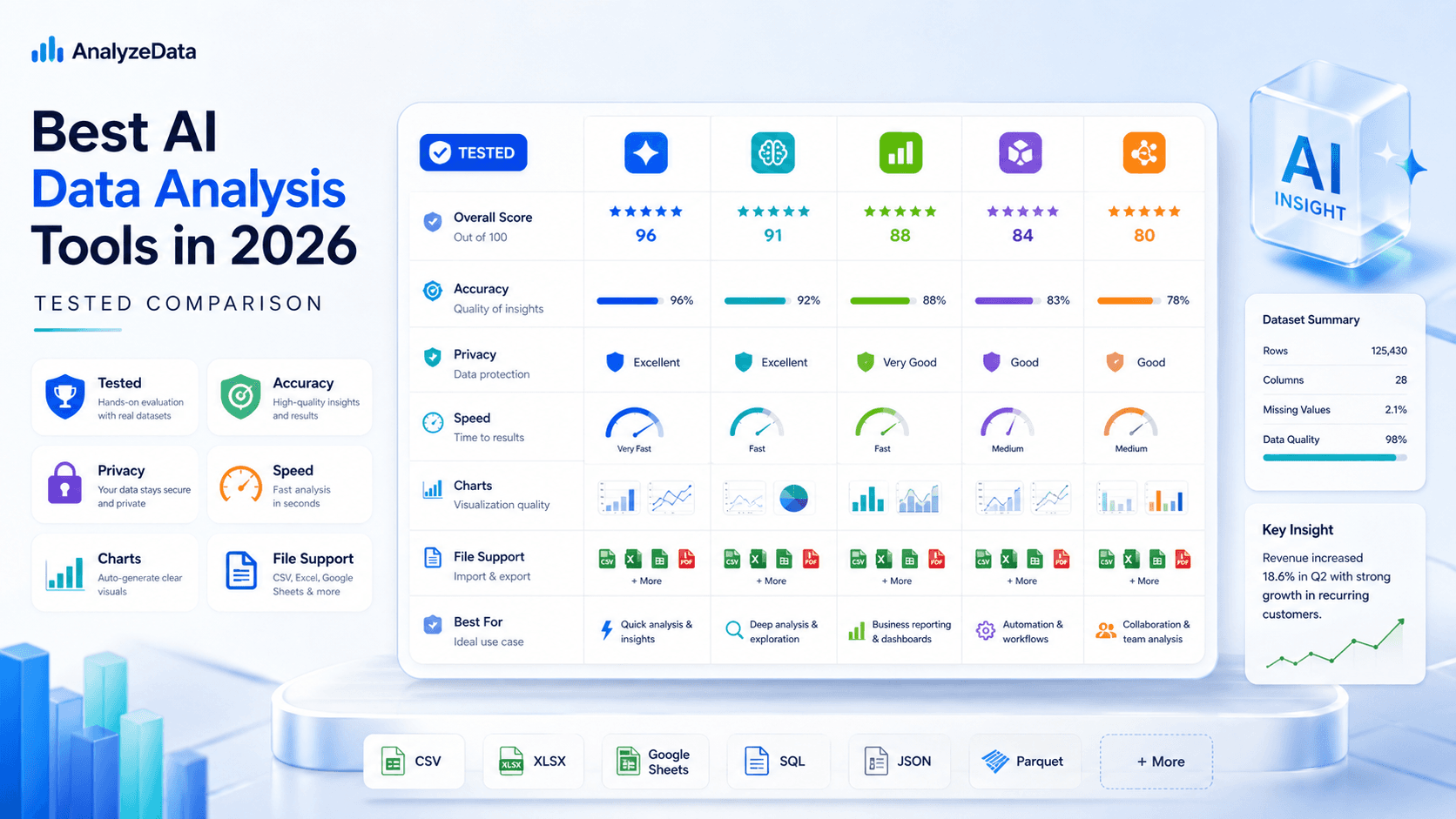
Best AI for Data Analysis (2026): Free Tools Compared
Which AI is best for data analysis? Compare 6 AI data analysis tools on accuracy, privacy, and price — including a free, no-signup analyzer for CSV and Excel.
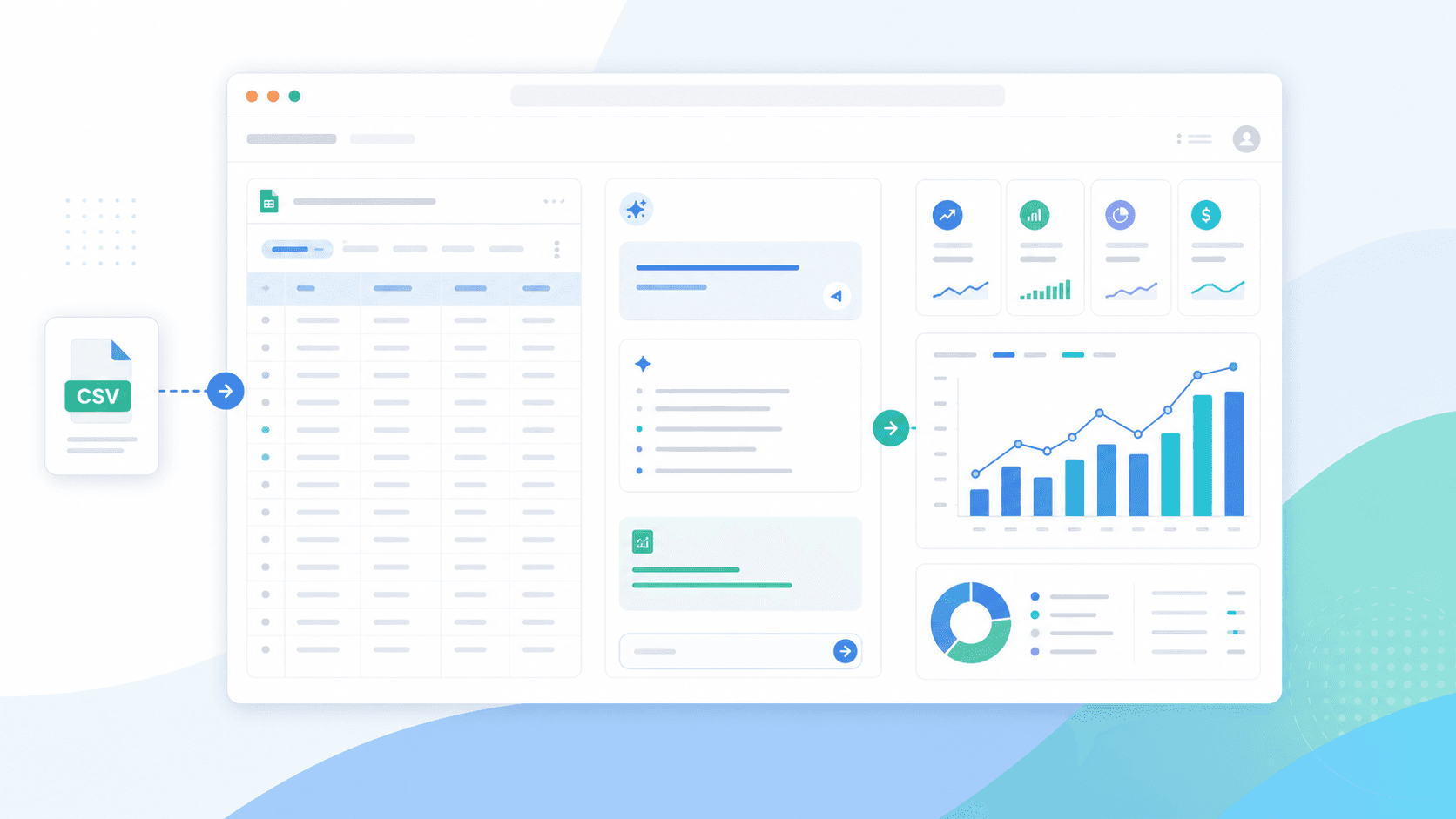
How to Analyze CSV Data with AI (Free CSV Analyzer)
Analyze CSV data with AI free online — upload a CSV, ask in plain English, and get charts and statistics computed by real Python. No signup in open beta.
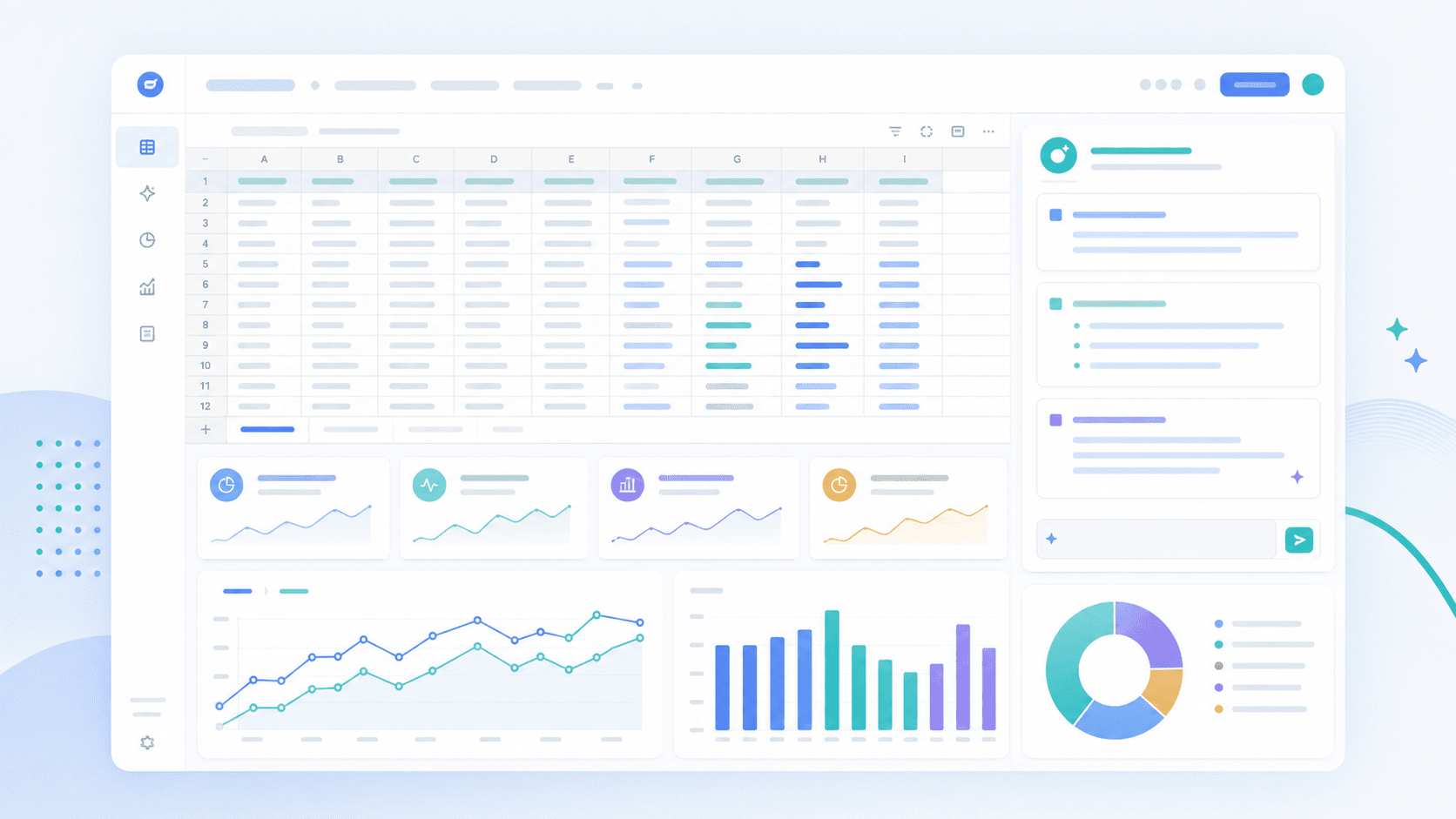
How to Analyze Excel Data with AI (Free, No Formulas)
Analyze Excel data with AI free: upload your .xlsx, ask in plain English, and verify every calculation without writing formulas. Real Python, no signup.